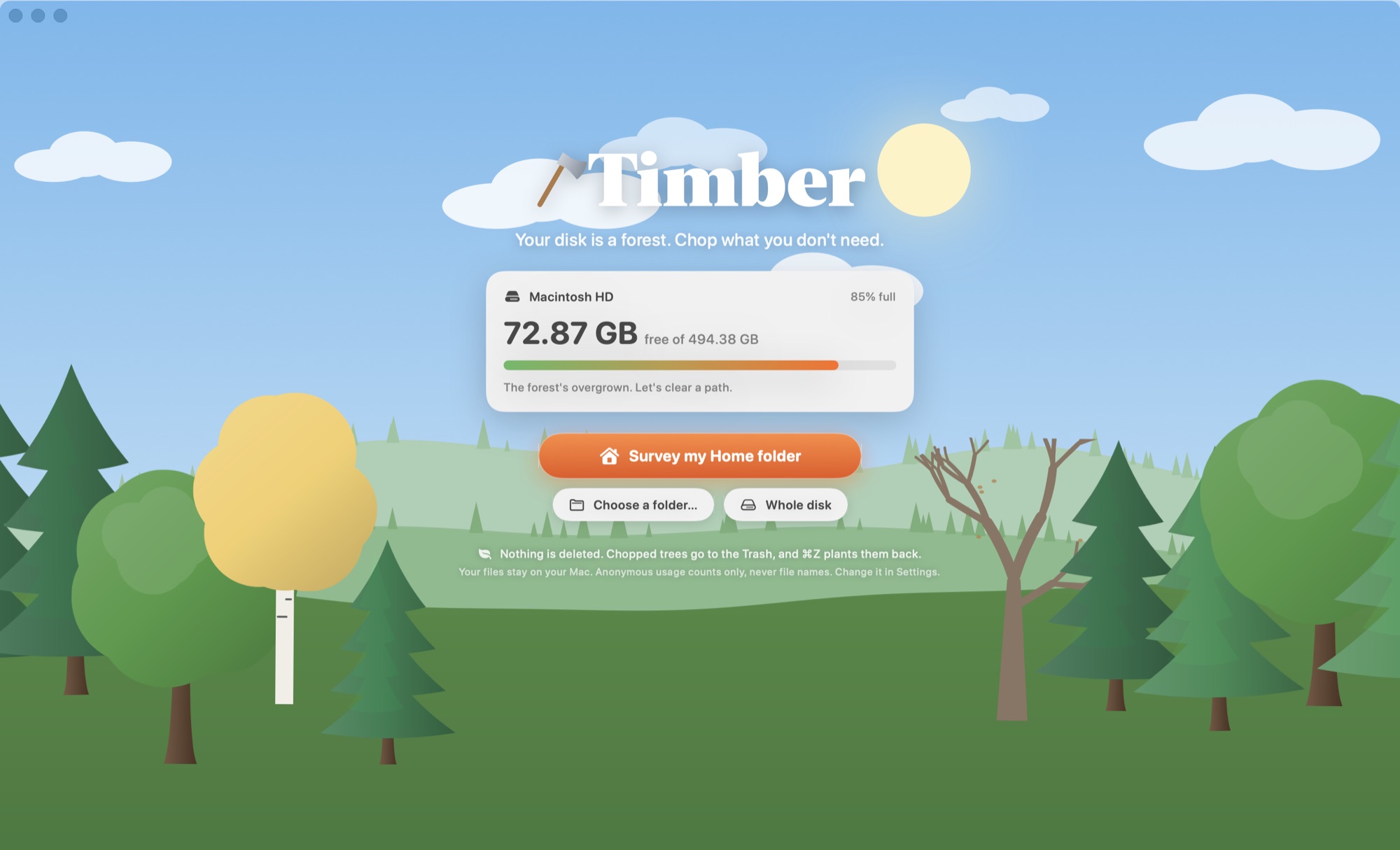
Timber turns your Mac's storage into a living forest. Every folder is a tree, sized by the space it takes. Find the deadwood, swing the axe, get your gigabytes back.
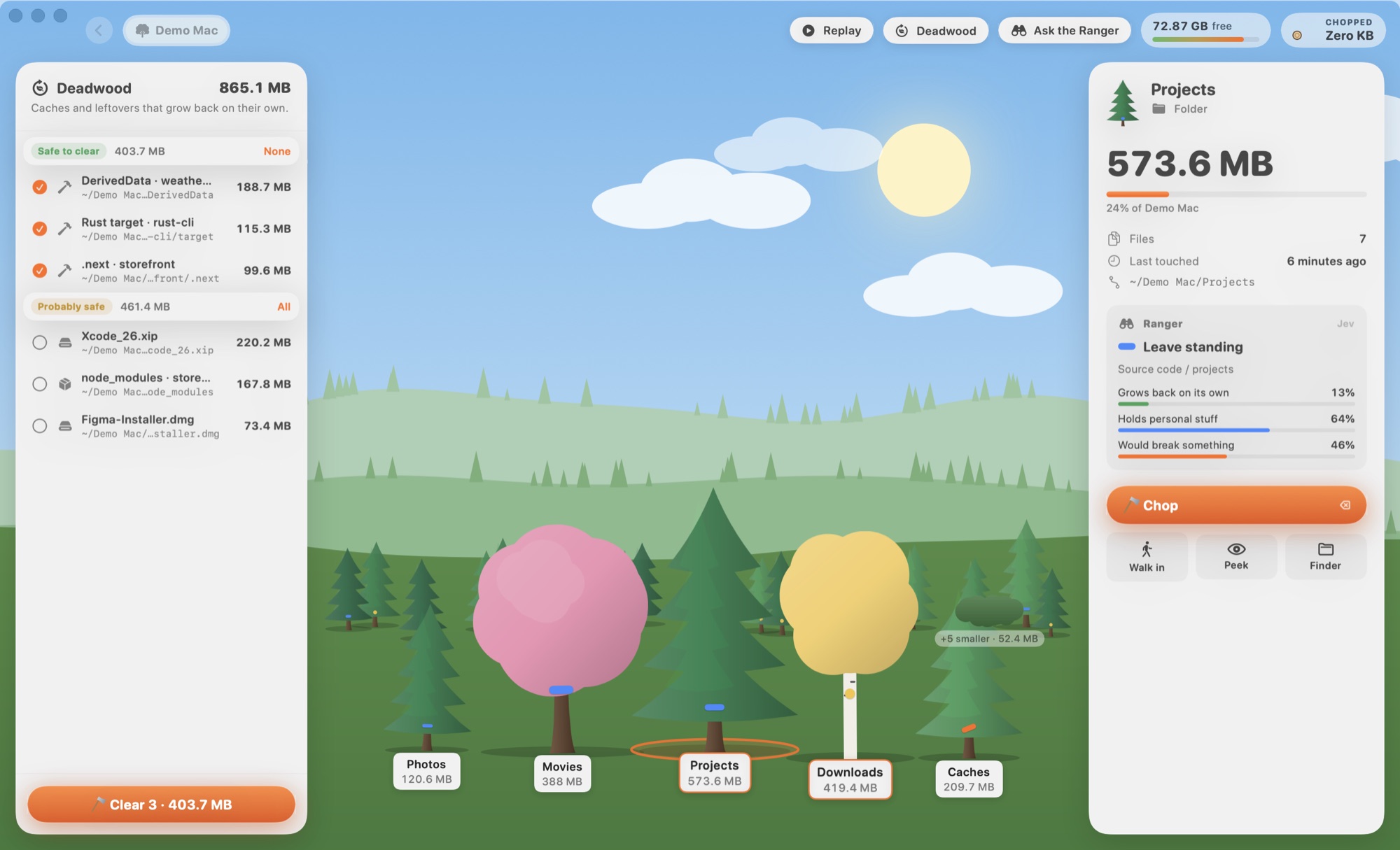
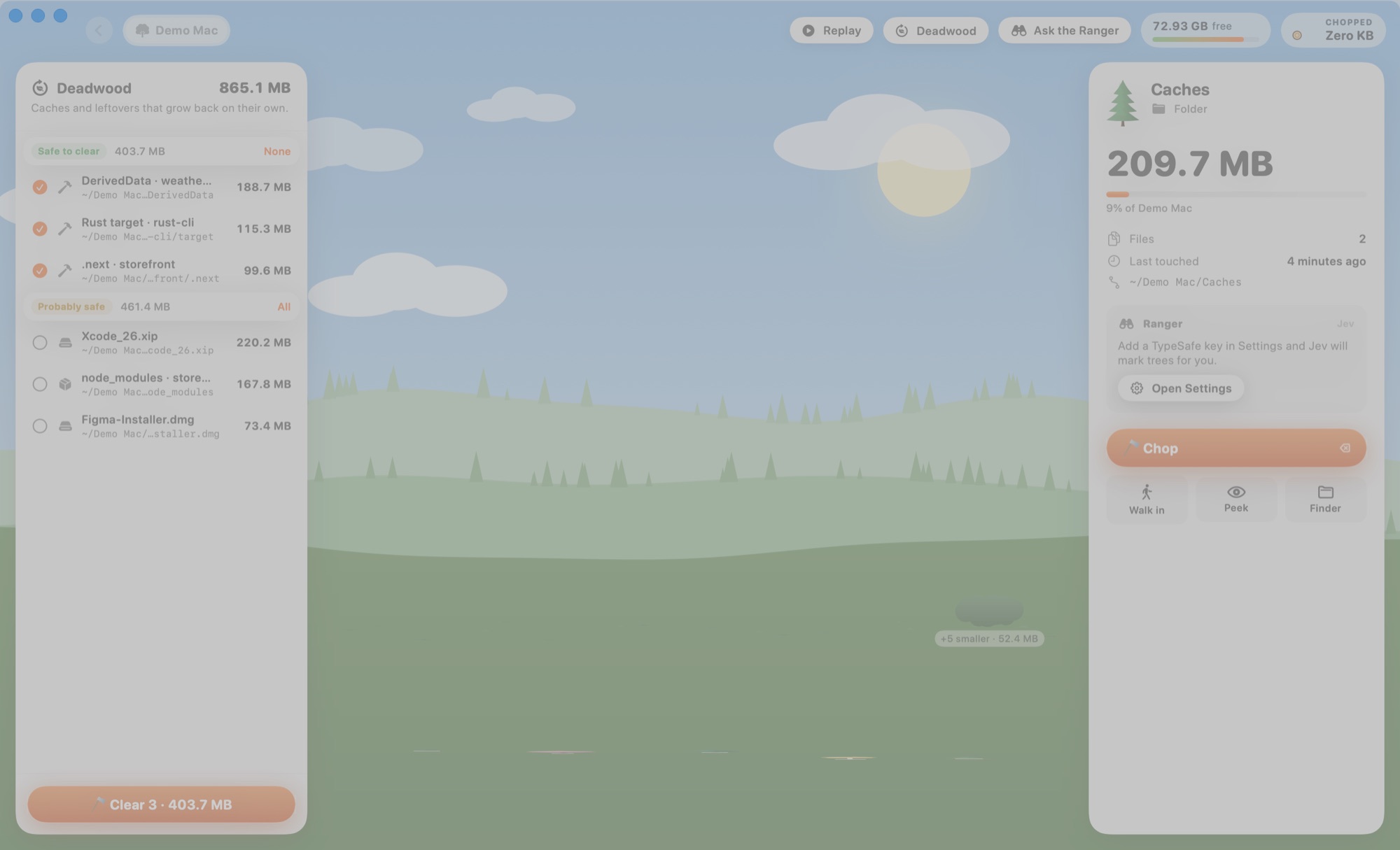
Point Timber at your home folder and it measures every file in seconds. Folders grow into trees, so the giants are obvious. Caches and build junk show up as dead trees. Walk into any folder, inspect any tree, and chop it with a satisfying thunk.


Tree height tracks the square root of size, so canopy area tracks bytes. Folders grow as pines, media as blossoms, installers as birches, apps as maples.
Spots the stuff that grows back on its own and rates every find: safe, probably safe, or look first.
Optional AI second opinion from TypeSafe's Jev model. It paints trunks like a real forester, and only ever sees names, sizes and dates.
Checks every repo and worktree for uncommitted changes and unpushed commits before you swing. Chopped worktrees are detached cleanly so their branch frees up.
Chops go to the Trash and into a log. ⌘Z plants them back. System folders, keys, settings and your Photos library are off limits.
Scanning isn't a progress bar. It's a low-poly island under a lidar sweep, sprouting a tree for every folder it measures.
Timber ships an MCP server inside the app. Hook it up to Claude Code or Claude Desktop and say “find me 20 GB”. Claude surveys, asks the Ranger, shows you a plan, and only chops what you approve.
$ claude mcp add timber -s user -- \ /Applications/Timber.app/Contents/Helpers/timber-mcp › Use Timber to find me 20 GB ⏺ timber · find_deadwood Found 57.8 GB that grows back on its own: ✓ Xcode DerivedData 9.4 GB safe ✓ .build · cli 5.0 GB safe ✓ pnpm store 3.3 GB safe ✓ node_modules · site 1.7 GB 4 months old ⚠ worktree · feature-x 0.9 GB 2 unsaved changes That's 19.4 GB safe to chop now. Go ahead?
Timber is a native app that reads your disk and keeps what it learns to itself. No account, no cloud, no upload. The code is open, so you don't have to take our word for it.
Measuring, deadwood rules and git checks all run locally.
Only if you add a key, and only names, sizes and dates. Never file contents.
Things like “a 1–10 GB cache was chopped”. Never file names or paths. Turn it off in Settings.
Read every line on GitHub, build it yourself, fork it.
Never. Chopping moves things to the Trash and logs it, and ⌘Z puts them back. Space comes back when you empty the Trash. Timber can do that for you, but only after you confirm.
It doesn't need it, but macOS hides some folders (Mail, Safari, other apps' containers) from apps without it. Without it, Timber simply shows those as locked. Grant it in System Settings → Privacy & Security if you want the full picture.
Yes, they're rebuilt or re-downloaded when needed. Timber marks those as “safe”. Anything that might be personal is marked “look first”, and some things (your home folder, Library, Documents roots, keys, Photos libraries) can't be chopped at all.
Timber checks for uncommitted changes and commits that exist nowhere else, and warns you before chopping. Bulk “clear deadwood” skips them entirely. Chopped worktrees are detached from git cleanly, and undo restores both.
An optional second opinion powered by TypeSafe's Jev, a fast model that returns typed judgments instead of chat. Add your own TypeSafe key in Settings. Timber applies its own safety policy on top of Jev's answers.
Any Mac on macOS 14 Sonoma or later, Apple silicon or Intel.